How Brands Can Use Geotagged In-Store Athlete Content for Back-to-School Traffic
Brands drive local foot traffic with athlete content by filming in the actual aisle, geotagging the post to that store, and matching views against zip-code sell-through — especially during Back-to-School. Bedroom unboxings can create awareness. They do not tell a shopper which store to walk into.
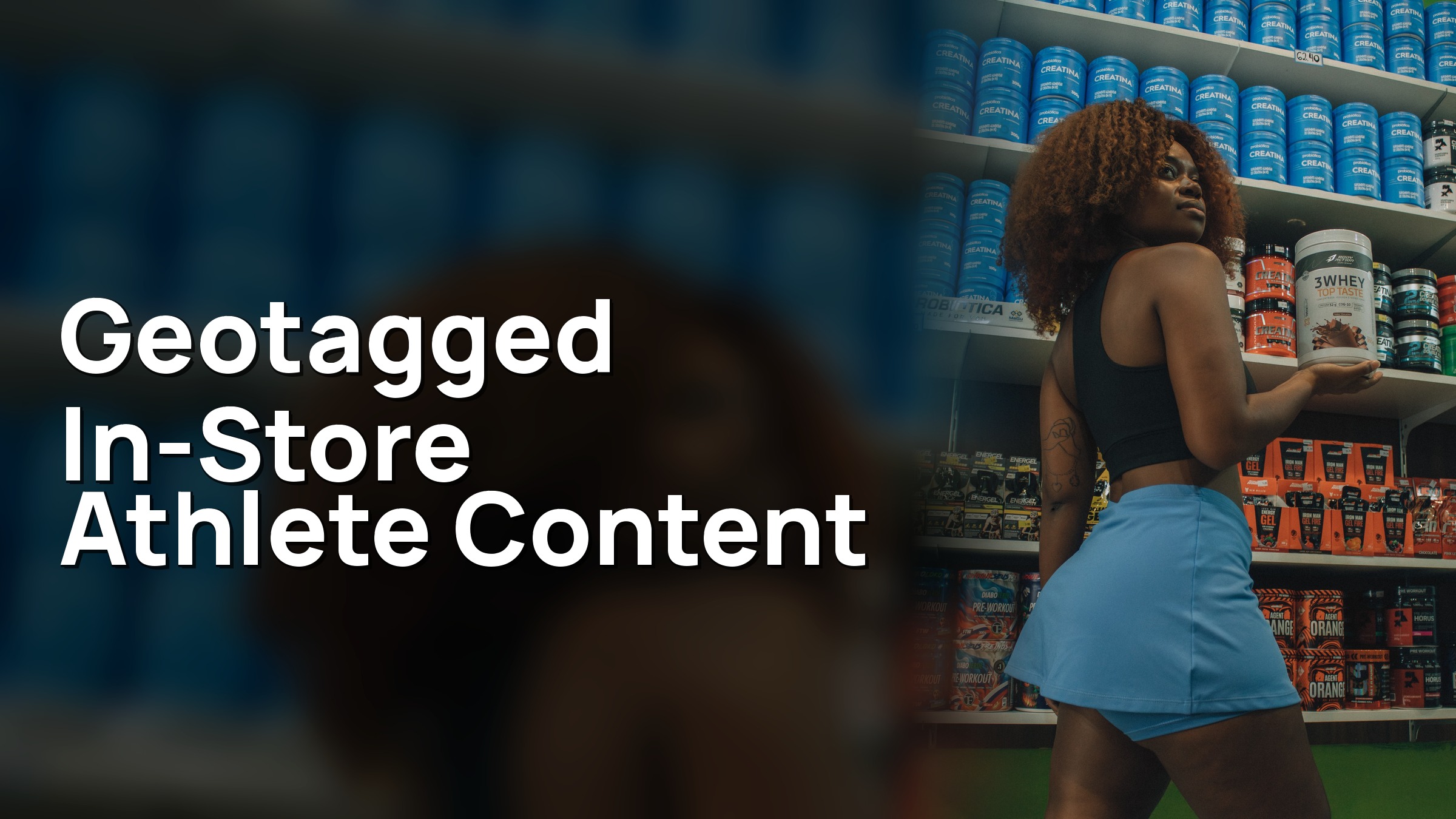
If your Influencer Marketing plan only shows the product on a bedroom floor this Back-to-School, you are asking a national feed to do a neighborhood job. Students, parents, and campus-adjacent shoppers are rebuilding weekly routes: the convenience store on the way to practice, the grocery run for dorm snacks, the cooler they will hit after class. Send Athlete Influencers into the aisle, tag the specific store, and give your retail team a loop they can read against nearby sell-through. That is a geotag loop, not a lifestyle montage.
Why unboxings miss the store
A bedroom unboxing is easy to brief and easy to approve. The athlete stays home, the lighting is controlled, and the product is the hero. For a national awareness burst, that can be enough. For Back-to-School foot traffic, it fails a basic test: after the view, does the shopper know which door to use?
Most unboxings fail that test for three reasons.
- There is no store in the frame. The product could be sold at 400 locations in the market, or at none of the locations your shopper actually uses.
- There is no geotag. The platform has no place signal to rank the post toward people who live near a specific store.
- There is no local proof loop. Your media team counts views. Your retail team counts units. Nothing in the asset connects those two numbers at zip-code resolution.
If you run NIL Deals with college athletes in August and the athlete films a recovery drink on a dorm desk, followers in five states will like it. The campus grocery two blocks from the stadium will not know it happened, and the register data in that zip code will not move in a way you can defend in a weekly retail meeting. You spent creator budget on a national impression and asked a local merchant to magically benefit.
The Back-to-School calendar makes this gap more expensive, not less. Shoppers are forming habits in a two-to-four-week window. They decide which convenience store is “on the way,” which grocery gets the Sunday run, and which beverage cooler they trust. If your Athlete Influencers are not standing in those places, a competitor’s in-store creative — or no creative at all — owns the destination.
Do not treat “in real life” as the same thing as “in this store.” A parking-lot unboxing, a car-seat pour, or a generic “at the store” shot without a readable aisle or a store geotag still leaves the shopper guessing. Name the store. Show the aisle. Tag the location. Then measure nearby.
If the goal on the brief is foot traffic, unboxings are a supporting format at best. They can seed product knowledge. They cannot carry the destination.
How does the in-aisle geotag loop work?
The loop is a workflow, not a slogan. You send an athlete into a specific store, capture unscripted shopping content in the aisle where the product is sold, geotag the post to that store, and match views against register sell-through in that zip code. Each step has an owner. Skip one, and you are back to awareness creative with a retail costume.
1. Pick the stores that actually matter. Start from retail priority, not from whoever is easiest to book. Use the doors where Back-to-School traffic is real: campus-adjacent convenience, grocery that serves the dorm zip, the suburban banner that already has distribution. Write a short store list with address, zip, aisle or cooler location, and the merchandising you need in frame.
2. Match Athlete Influencers to those zips. Audience geography beats follower count. You want college athletes and local creators whose followers actually live, study, or shop near the doors on the list. Age mix matters for Back-to-School — 18–24 and the parents still buying for them — but geo fit is the gating criterion.
3. Brief the in-aisle shoot, not a lifestyle scene. Tell the athlete which store, which aisle, which SKU, and what “done” looks like: product in its real home, a readable shelf or cooler, a natural consume or shop moment, and a caption that names the location. Leave room for their voice. Do not over-script the walk-through into a commercial.
4. Require the store geotag before approval. The geotag is the technical bridge. A caption that says “at my local spot” is not the same thing. The post should tag the specific store so the platform can treat it as a place asset and so your reporting can join that post to a door.
5. Approve while the athlete is still in-market. Speed is part of the loop. If legal and brand review sit for a week, the athlete has left town and Back-to-School traffic has already chosen a routine. We keep comments, revisions, and approvals in one workflow so the in-aisle asset can ship while it is still local.
6. Match views to zip-code sell-through. After the post is live, pull view or reach by geography where the platform allows it, then sit that next to register movement in the same zips for the same window. You are looking for a directional bridge from creator attention to nearby units — not a perfect multi-touch model.
Two operating details decide whether this feels like a stunt or a program.
First, logistics. Someone has to confirm the athlete can legally film in that store, that the product is actually on shelf that day, and that store management is not surprised. A missed endcap turns a geotagged post into a “we couldn’t find it” video, which is worse than no post.
Second, rights and reuse. If the in-aisle footage is strong, your retail partners will want it on local screens, in circulars, or in field-team decks. Define usage in the NIL Deals up front so you are not renegotiating the week the content works.
Before you greenlight the first shoot, you should be able to fill this list:
- Store list with zip, aisle, and SKU confirmation
- Athlete roster mapped to those zips, not to a national “awareness” target
- Creative brief that names the destination and the geotag requirement
- Approval owner and a same-week SLA
- A measurement plan that names the sell-through source by zip
- A fallback store if the first door is out of stock
If you cannot fill that list, you are not ready to claim a geotag loop. You are ready to run another unboxing.
How do you match athletes to the stores that matter?
Most Influencer Marketing briefs start with the athlete and back into the store. Flip it. Start with the doors that need traffic, then find Athlete Influencers whose audiences already live in those trade areas.
We see the same matching failure every season. You book a nationally known college football player because the name is easy to sell internally. His audience is spread across recruiting states, highlight accounts, and fans who will never shop your test market. Meanwhile, a mid-major soccer player, a Female Athlete on the local track roster, or a cheer athlete with a tight hometown following could have walked into the actual store and been recognized in the aisle.
Use four matching criteria, in this order.
- Trade-area overlap. What share of the athlete’s audience sits in the zip codes around your priority stores? If you cannot see geography, you cannot brief a local destination.
- Shopping occasion fit. Back-to-School convenience, grocery, and campus-adjacent retail favor athletes who already post everyday life — not only game-day hero content. The in-aisle video should look like a stop they would make anyway.
- Category credibility. A beverage in a cooler needs someone who drinks it. A snack endcap needs someone who would grab it between class and lift. Forced product-in-hand is obvious on camera.
- Operational reliability. Local foot-traffic work is a logistics problem. You need athletes who will show up at the right store, film the aisle you named, geotag correctly, and turn around revisions fast.
College athletes are often the right roster for this, which is why NIL Deals belong in the brief. They already live in the markets where Back-to-School traffic concentrates. They have teammates, classmates, and family in those zips. Their content does not have to pretend to be local.
If you have 12 priority stores across three metros, you need a roster, not a spokesperson. Cluster athletes by market and give each cluster a short store list.
Here is the decision rule we run with you: if you cannot draw a straight line from this athlete’s audience map to this store’s zip code, do not send them into that aisle. Send them somewhere their viewers actually shop, or pick a different athlete.
Your talent team and your shopper-marketing team have to share a spreadsheet. Athlete ID, home market, audience geo, assigned store, aisle, posting window, geotag status. If those fields live in separate decks, the loop will break at the handoff.
What should you measure?
Measurement is where geotag programs either become a retail tool or collapse into another awareness report. Decide the scoreboard before the first athlete walks in.
Measure these, in this order:
- Store-tagged posts shipped. How many live assets actually geotagged the intended door, not a city, not a campus, not “near me.”
- In-aisle creative quality. Product in its real home, readable merchandising, unscripted enough to watch. If you cannot tell which store it is, the geotag is doing all the work.
- Geographic concentration of views. Are views landing in the zips around those stores, or leaking nationally?
- Zip-code sell-through in the same window. Units, velocity, or register movement for the promoted SKU in the tagged store’s zip versus a control set of similar zips that did not get in-aisle content.
- Operational completion. Appearances kept, posts approved on SLA, out-of-stocks avoided. A missed store is a measurement hole, not a footnote.
Do not close the campaign on views, likes, and saves alone. Reach is not sales. Engagements are not door counts. A 15-second Reel can travel far past the trade area you paid for. That helps awareness. It does not prove local traffic.
A clean weekly readout looks like a join, not a highlight reel: this athlete, this store, this geotag, these views in these zips, this sell-through in the same zips, this merchandising note from the field. If a row is missing the geotag or the zip-level units, mark it incomplete. Do not average it into a success number.
Do not optimize the creator report and never open the retail file. Media should not close the campaign until shopper marketing has looked at the zips.
What does this look like in a real retail program?
When we ran this with Circle K, they needed to promote Polar Pop and Froster pricing with college Athlete Influencers in the Southeast. Convenience retail, not a bedroom set. We used our Athlete Audience Insights™ to find 35 college athletes whose audiences matched the age and geography the promo needed. Those athletes visited Circle K locations, recorded in-store UGC consuming the drinks, and posted to Instagram feeds and stories. We coordinated appearance scheduling, content delivery, post approvals, and campaign reporting. The Reels reached 1.1 million Gen-Z consumers and yielded 2,300 engagements.
That is in-store, local-market athlete content at retail: match locally, get athletes into the store, film the product where it is sold, and run the appearances like a field program.
For your Back-to-School program, run that same play — geo-matched college athletes, in-store filming, coordinated appearances, tight approvals — and close it with the two fields most awareness programs skip: the store geotag, and the zip-code sell-through join. In-store reach supports awareness. Geotag plus zip-level units is what supports a traffic conversation.
We coordinate the messy middle — matching, appearances, content delivery, approvals, reporting — so you can spend your energy on the store list and the sell-through file.
In Summary
- Brands drive local foot traffic with athlete content by filming in the actual aisle, geotagging the post to that store, and matching views against zip-code sell-through — especially during Back-to-School.
- If the shopper cannot name a door, the asset is awareness, not traffic. Unboxings do not create a store destination.
- The in-aisle geotag loop is a workflow: your priority stores, geo-matched Athlete Influencers, an aisle brief, a required store geotag, fast approvals, then a zip-code sell-through join.
- Match talent to trade area first. NIL Deals with local college athletes usually beat a national name who cannot fill the zips around your doors.
- Measure store-tagged posts, geographic views, and nearby units. Do not treat reach or engagements as foot traffic.
- Our Circle K program put 35 athletes into stores in target markets (1.1M Gen-Z reach, 2,300 engagements). Use that same in-store play, then close your loop with geotags and zip-code sell-through.
- If the goal is Back-to-School traffic, brief the aisle, tag the store, and sit down with the register file.